
Panda X Panel Sensitivity Settings Guide
Learn how to tune Panda X Panel sensitivity settings step by step, test small changes on your own device, and find a feel that stays comfortable. Made easy.

Explore guides, tips, and setup articles for Panda X Panel on Android.
Learn how to tune Panda X Panel sensitivity settings step by step, test small changes on your own device, and find a feel that stays comfortable. Made easy.
New to Panda X Panel? Start with simple beginner settings, learn which options to leave alone at first, and build confidence one small change at a time.
Understand the Android permissions Panda X Panel may request, what each one is for, how to review them, and how to change them safely in settings. Made clear.

Using Panda X Panel on a budget or older phone? Practical tips to keep the app light, responsive and comfortable on devices with limited power. No tools needed.

A fair, practical comparison of Panda X Panel and other Android panel apps, covering layout, ease of use, device fit and everyday setup habits. Choose by feel.
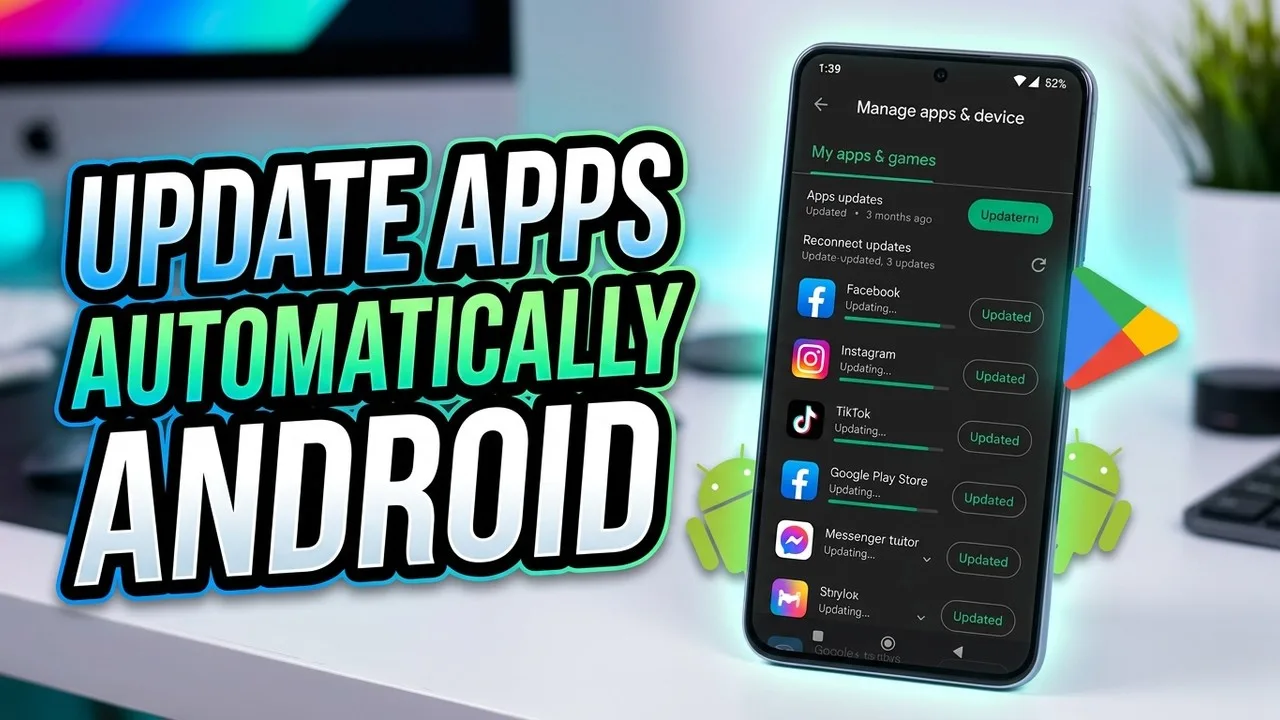
Update Panda X Panel without losing your setup: back up your settings first, update step by step, and check everything calmly afterwards. Keep your setup safe.
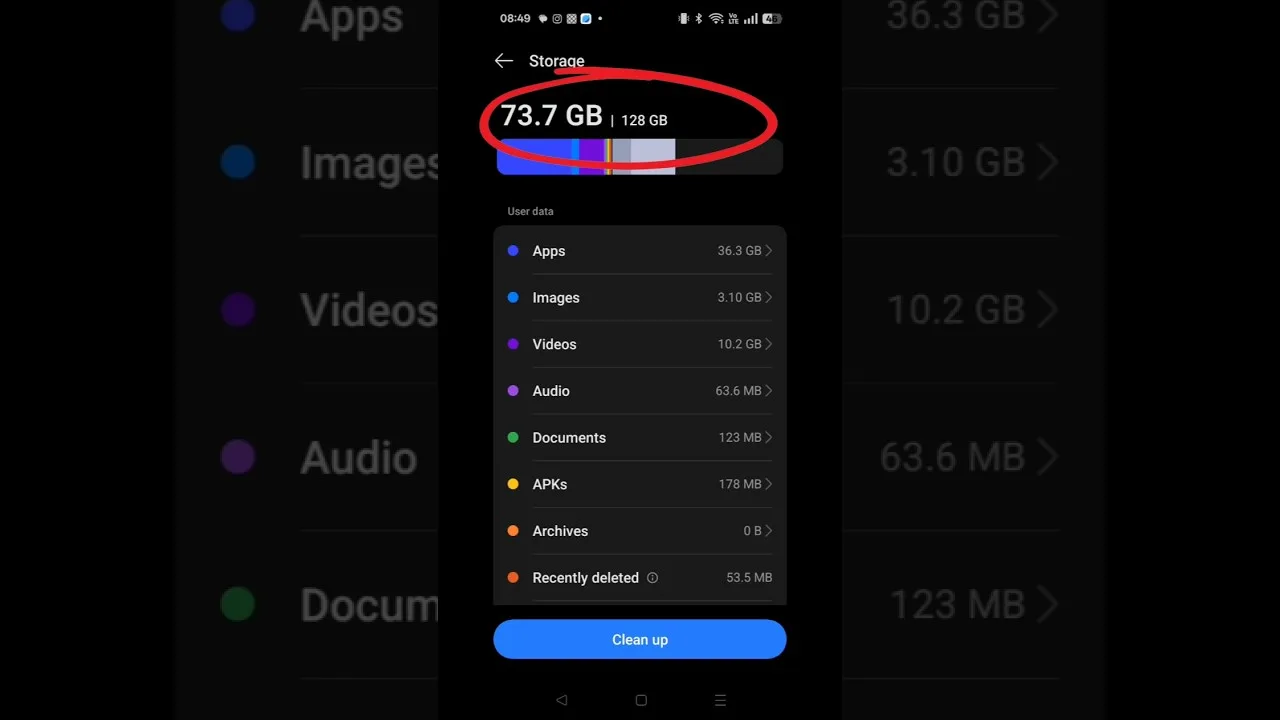
Keep Panda X Panel running smoothly with simple storage habits, cache care, background app discipline and realistic performance checks on Android. Made simple.

Arrange your Panda X Panel layout around your grip and habits: button placement, reach, spacing and testing tips for a setup that feels natural. Fit your hands.

Avoid the setup mistakes Panda X Panel users make most often, from changing everything at once to copying settings that do not fit your device. Learn the fix.
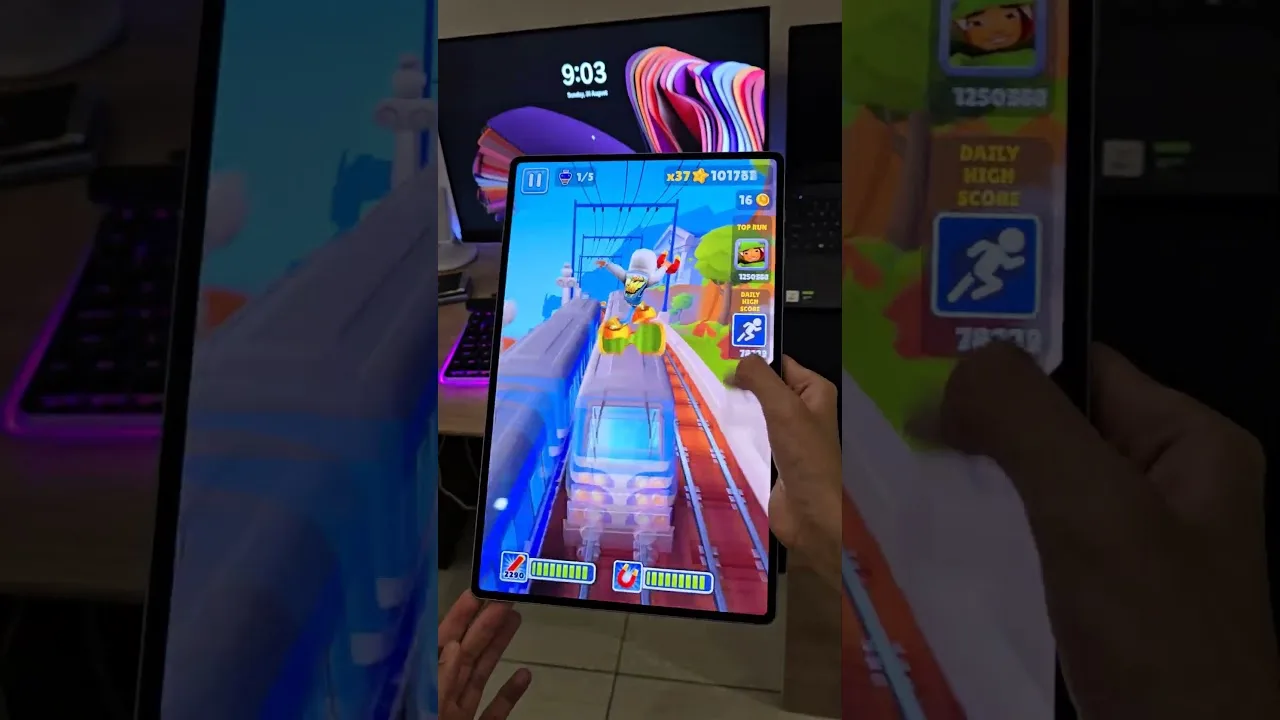
Set up Panda X Panel on a tablet or large-screen Android device, with layout, reach and sensitivity advice for bigger displays and longer sessions. Made simple.

Stretch your battery while using Panda X Panel: screen, background and charging habits that keep sessions going longer without hurting play. Play longer daily.

Run this quick Panda X Panel checklist before a session: settings, permissions, layout and device checks that prevent mid-game surprises. Check before play.
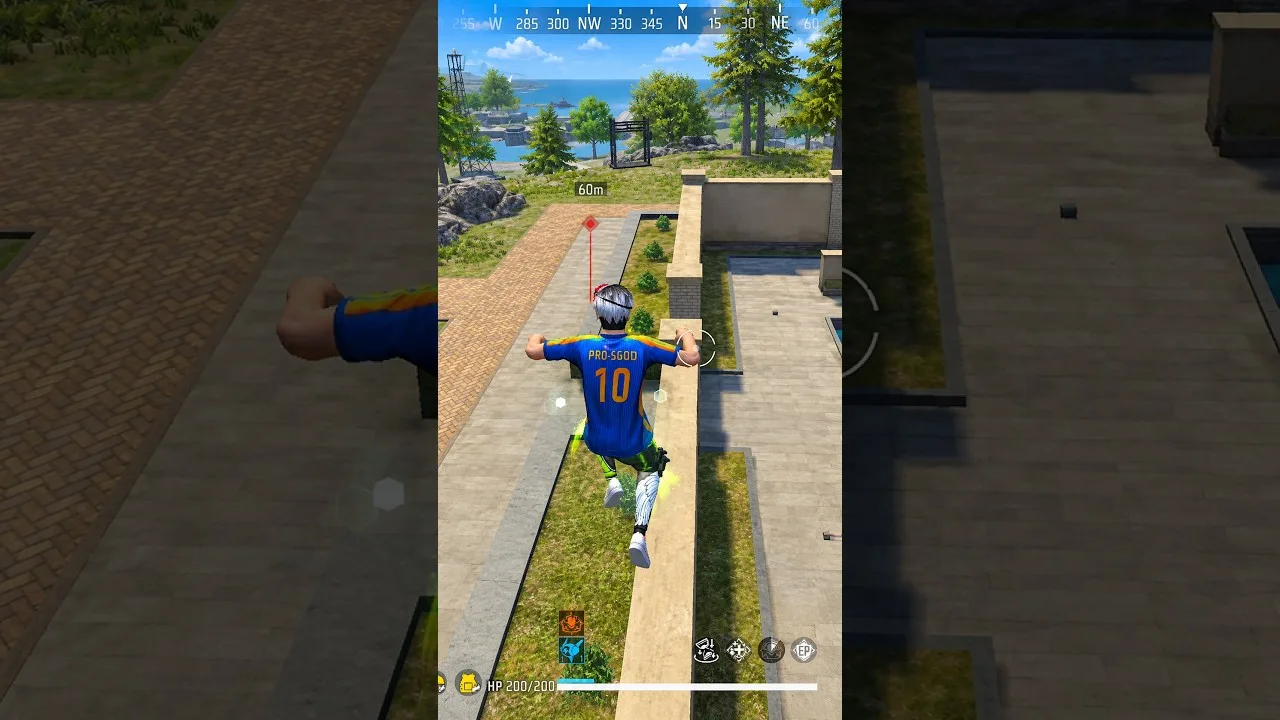
Already comfortable with Panda X Panel? Advanced tips on fine-tuning, per-session profiles, layout refinement and disciplined experimentation. Refine with care.
Reset or reinstall Panda X Panel the clean way: save your settings first, remove the app properly, and rebuild your setup without the guesswork. The calm way.

Learn how to install Panda X Panel on Android with simple preparation tips, step-by-step setup, and safe practical checks before first use.

Explore the main Panda X Panel features, including control options, customization themes, lightweight use, and practical setup expectations.

See how Panda X Panel may work across Android phones, tablets, TV-based systems, and emulators, with practical compatibility notes.

Understand the main sections users typically explore in Panda X Panel, from setup areas and customization menus to utility-focused panels.

Fix common Panda X Panel problems with practical checks for installation errors, permissions, compatibility, and first-launch issues.

Learn practical ways to use Panda X Panel on Android by testing settings gradually, matching features to your device, and keeping setup realistic.